


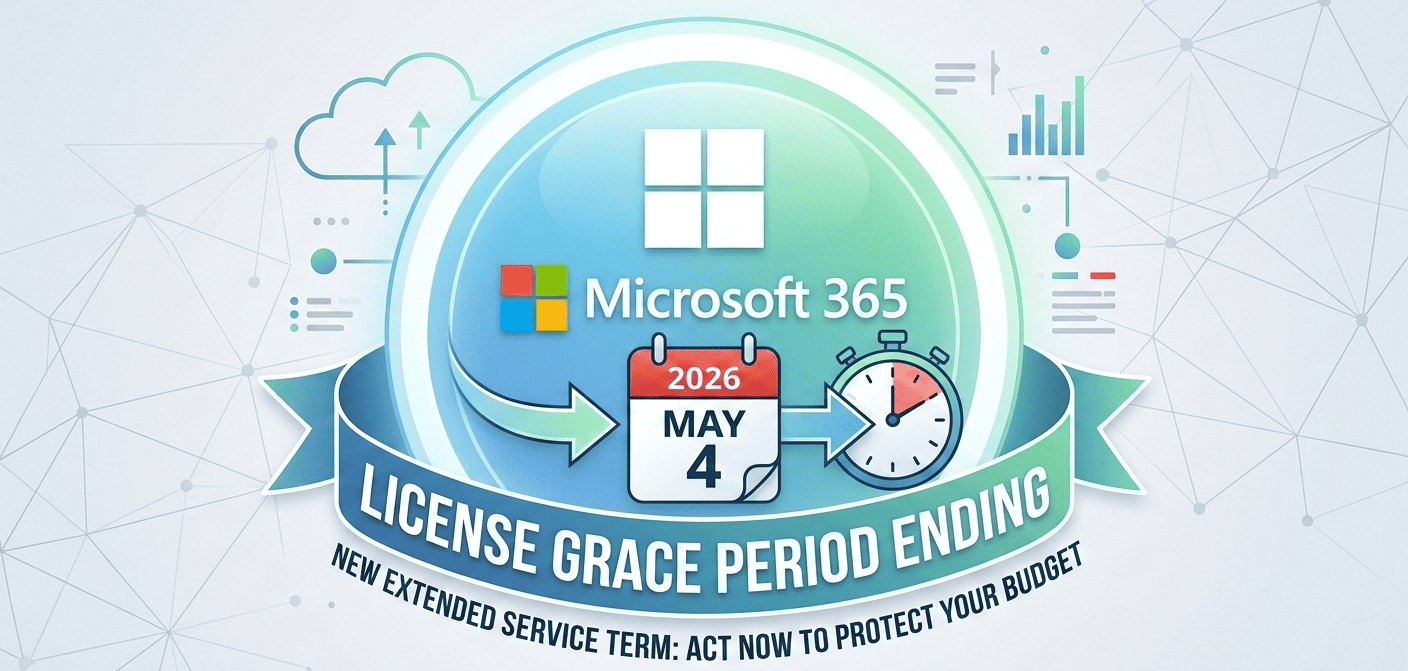
Microsoft Is Ending the Licence Grace Period: What Your Business Needs to Know for 2026
For many years, Microsoft has provided a short “grace period” after a cloud subscription expired. During this time, your organisation could continue using Microsoft 365, Dynamics 365, or other services even if renewal approvals were delayed or a credit card failed. It acted as a free safety net that kept your business running smoothly.
That safety net is now changing.
Microsoft has confirmed that the free post‑expiry grace period will end on 4th May 2026, and will be replaced by a new paid model called the Extended Service Term (EST). While this new model prevents sudden service loss, it is no longer a no‑cost buffer.
This article outlines what the change means for your operational costs—and how to avoid unexpected charges.
What Is Changing?
From 4th May 2026, the traditional free window of service after a subscription expires will be removed.
Previously, if a licence reached its end date and auto‑renew was turned off, your team could usually continue working for a short period at no extra cost. Starting May 2026, any service provided after the expiry date will automatically be billed as part of a paid extension.
Introducing the Extended Service Term (EST)
To prevent your business from experiencing a sudden service shutdown—such as email stopping or files becoming inaccessible—Microsoft is introducing the Extended Service Term (EST).
Think of EST as an automated “emergency extension month” designed to keep your organisation running if a renewal is accidentally missed.
EST at a glance:
- Service Continuity: It ensures your users don’t lose access to essential applications if a renewal is delayed.
- Premium Pricing: EST is billed at a higher rate—typically your standard monthly price plus a 3% uplift, or up to 23% depending on your subscription type.
- Flexible & Prorated: You pay only for the days you remain in EST before renewing or cancelling.
- No Long-Term Commitment: You can exit EST at any time once your renewal decision is made.
Your Three Options at Renewal
From May 2026, your organisation will have three clear choices when a licence reaches the end of its term:
- Standard Renewal: Continue with a new subscription term at your standard pricing.
- Scheduled Cancellation: Services are stopped exactly on the expiry date—a suitable option for reducing staff licences or ending temporary projects.
- Extended Service Term (EST): Use the paid extension period to maintain access while finalising decisions or resolving budget queries.
Why This Matters for Your Budget
- No More Free Buffer: Internal delays—such as waiting for sign-off or processing purchase orders—may now result in an unplanned invoice at a higher rate.
- Renewal Tracking is Critical: Because EST carries a cost uplift, failing to review your renewal dates could lead to unnecessary spend.
- Service Continuity is Still Protected: If your admin forgets to renew, your staff won’t suddenly lose access. EST ensures continuity—but that continuity is now billable.
How Your Business Can Prepare
- ✔ Review Your 2026 Renewal Dates: Identify licences that expire after May 4, 2026, especially high‑value or business‑critical ones.
- ✔ Check Auto‑Renew Settings: For ongoing services, keeping auto‑renew enabled prevents accidental entry into EST.
- ✔ Streamline Internal Approvals: Align finance and IT processes so renewals can be approved at least 30 days before the expiry date.
How We Support Your Licensing Strategy
- If we already manage your licensing: Our team is already reviewing your renewal timelines to ensure your subscriptions are aligned. We will proactively reach out ahead of the May 2026 deadline to ensure you avoid any unnecessary uplift charges.
- If you manage your own licensing (or use another provider): We recommend a professional review of your current setup. If you aren’t sure when your “Anniversary Dates” are or which licences are set to auto-renew, our team is happy to provide a complimentary consultation to help you avoid the EST premium.
The M365 Optimisation Review:
Beyond just avoiding the grace period changes, many businesses are overpaying for licences they don’t use. We offer a comprehensive M365 Optimisation Review to identify unused seats, recommend lower-cost tiers where appropriate, and ensure your 2026 budget is as lean as possible.
Frequently Asked Questions
Will my staff lose access to Outlook, Teams, or other apps if a renewal is missed?
No. As long as the subscription enters the Extended Service Term (EST), access continues uninterrupted. However, your business will be billed for the days used at the uplifted rate.
Is the Extended Service Term mandatory?
No. You can choose to cancel the subscription at the end of its term if it is no longer required.
How much more does EST cost?
Typically, EST adds a 3% uplift to monthly pricing. If you move from an annual commitment into a temporary monthly extension, the uplift can be up to 23%.
Official Documentation: For a technical breakdown of the subscription lifecycle and the new end-of-term experience, you can view the Microsoft Learn: Extended Service Terms (EST) guide.
The move to the Extended Service Term model introduces clearer rules around licensing while protecting your business from sudden service interruption. Proactive renewal planning is the best way to control costs.
Would you like to schedule a M365 Optimisation Review to see where your business could save on licensing costs before 2026? Contact our team today.

ET Works Insights
Our Insights content is created by members of the ET Works team, drawing on wide‑ranging experience across technology, operations, service delivery, and customer support. Whether written individually or collaboratively, each article reflects our commitment to sharing practical knowledge, industry developments, and perspectives from across the business. Beyond their professional roles, our contributors bring diverse interests and backgrounds that help shape the insight and creativity behind our work.
Show all articles by ET Works InsightsRelated reading from the works

Keepit

Mimecast Cyber Resilience Solutions
The Bedford College Group Ends Support Woes with Lessons from Nutanix